

TURN Server
Monitoring, the live view in reports and Remote in Players stream the watched player’s screen straight to the staff member. That direct connection doesn’t work for everyone: some home routers, mobile connections, company networks and countries block it. The feed then stays black or keeps saying it is connecting.
A TURN server fixes that. When a direct connection is not possible, the stream is relayed through the TURN server instead. When a direct connection works, the TURN server isn’t used at all.
You only need this if some feeds stay black. Most servers work fine without it.
There are two ways to get one:
| Cloudflare TURN | Your own TURN server | |
|---|---|---|
| Cost | Free up to 1,000 GB a month, then $0.05 per GB | Your VPS |
| Setup | Two lines in server.cfg | Install and run a TURN server |
| Logins | Short-lived, renewed by the resource | One fixed username and password |
Cloudflare TURN (recommended)
1. Create a TURN key
-
Sign in to the Cloudflare dashboard or create a free account. You don’t need a domain on Cloudflare.
-
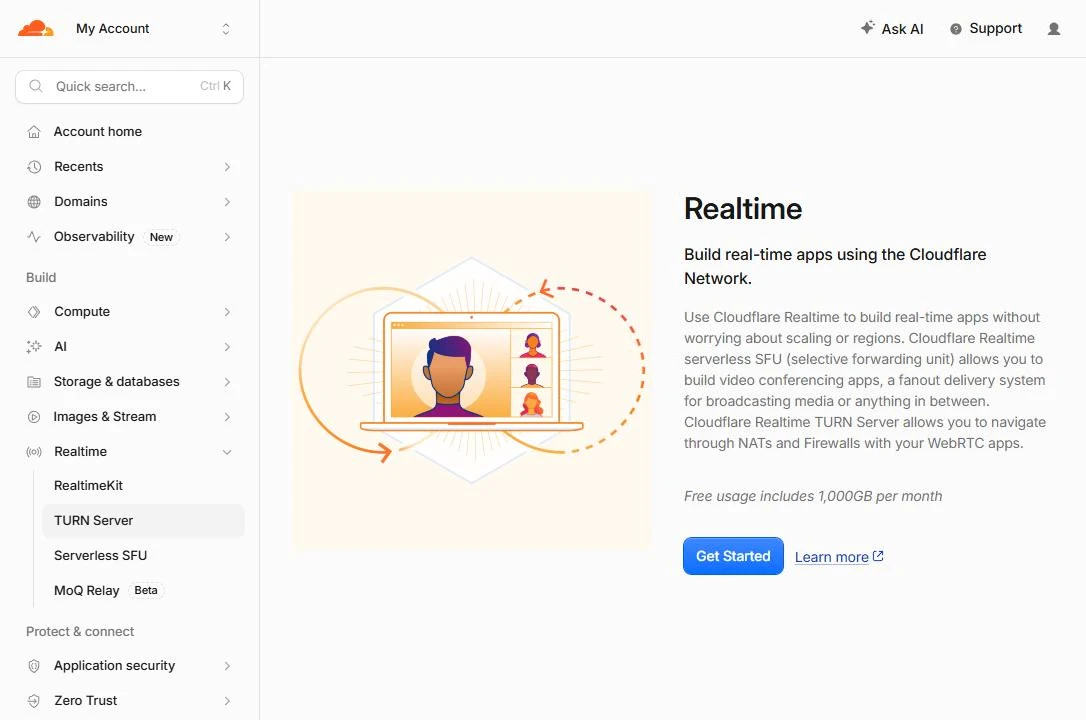
Open Realtime → TURN Server in the menu on the left. The first time, Cloudflare shows the Realtime start page. Click Get Started.
-
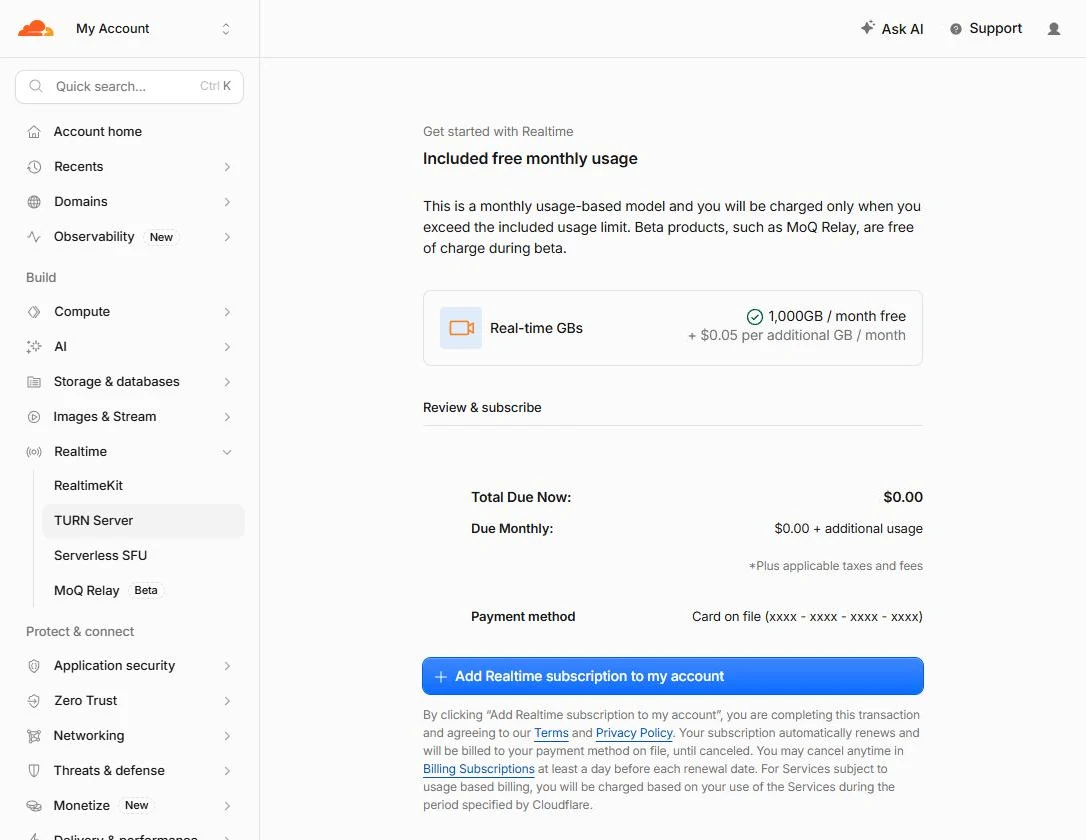
Cloudflare asks you to add the Realtime subscription. It costs nothing up front: the first 1,000 GB every month are free, and only traffic above that is charged ($0.05 per GB). Click Add Realtime subscription to my account.
-
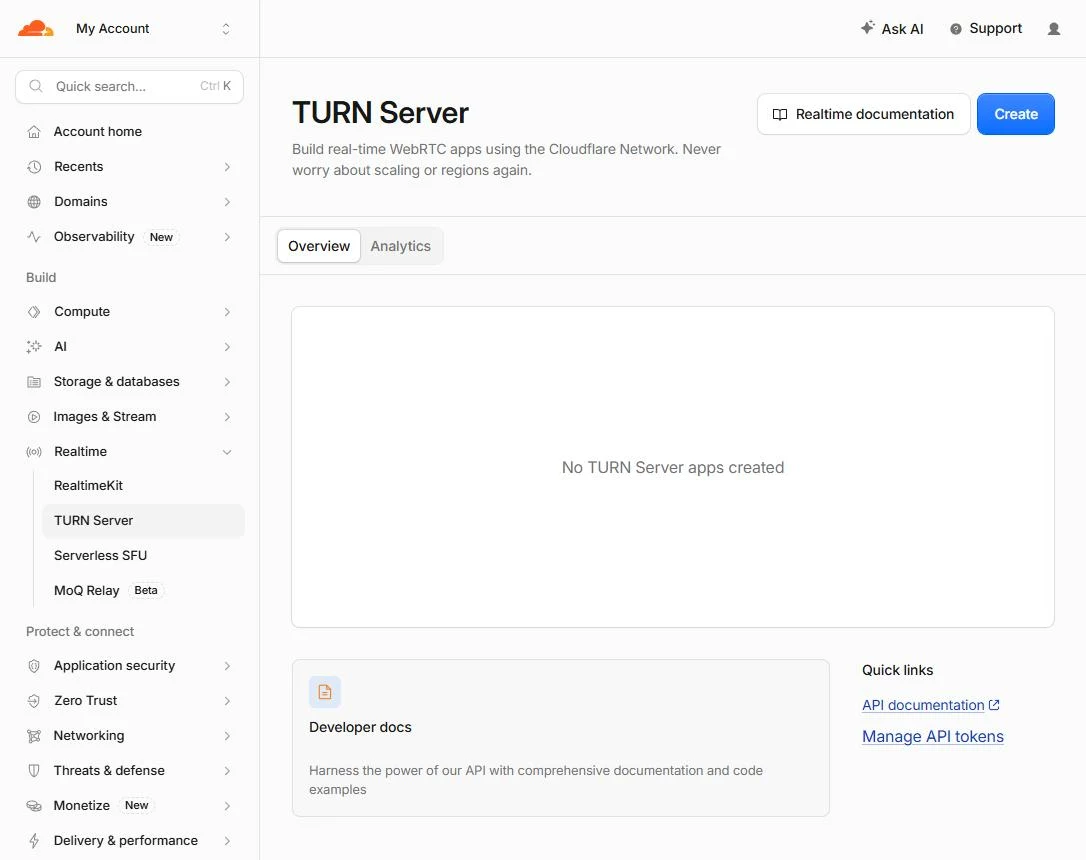
You land on the TURN Server page. Click Create.
-
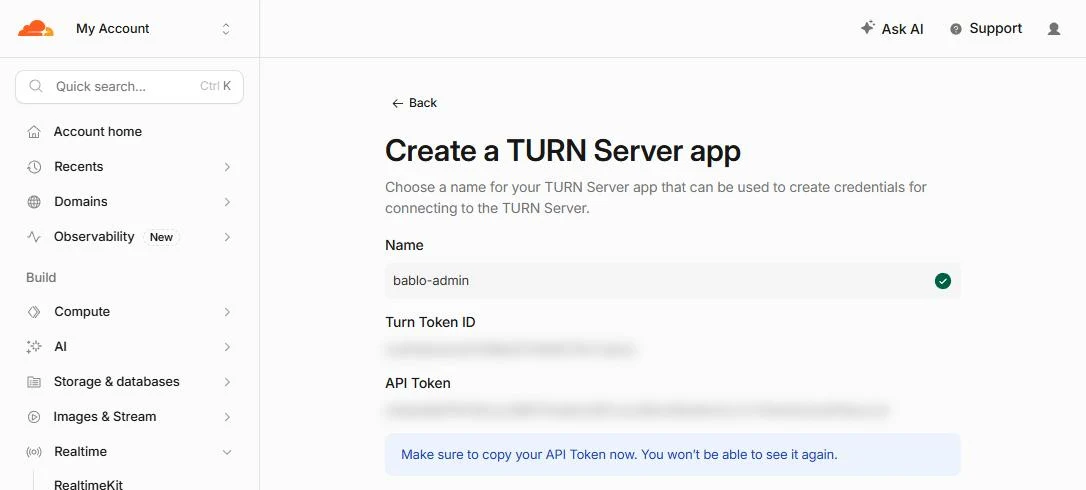
Name the app, for example
bablo-admin, and click Create.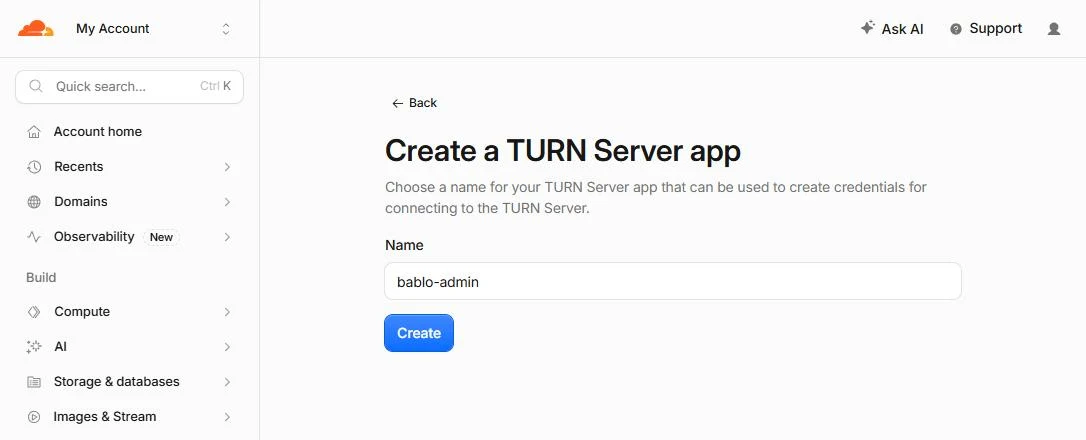
-
Copy the Turn Token ID and the API Token. The API token is only shown once, so copy it before you leave the page.
Only live views that can’t connect directly are relayed through Cloudflare, so most servers stay well inside the free 1,000 GB.
I lost the API token
server.cfg and restart the server.2. Add it to server.cfg
Add both values above ensure bablo-admin:
set bablo_admin_turn_key_id "your Turn Token ID"
set bablo_admin_turn_api_token "your API Token"
Use set, never setr, and never put these in config.lua. Both would let players read your token.
3. Restart and check
Restart the server. A few seconds after the resource starts, the console prints:
[bablo-admin] Cloudflare TURN is ready, remote spectate can relay through CloudflareThat’s it. The resource asks Cloudflare for TURN logins that last six hours and renews them before they run out. Your API token never leaves your server: players and staff only receive the short-lived logins, and only while they are part of a live view.
If something is wrong, the console tells you instead:
| Message | Fix |
|---|---|
Cloudflare TURN failed: the API token was refused | The API token is wrong. Create a new TURN key and copy both values again. |
Cloudflare TURN failed: that TURN key id does not exist | The Turn Token ID is wrong or the key was deleted. |
Cloudflare TURN failed: Cloudflare could not be reached | Your server can’t reach rtc.live.cloudflare.com. Check its outgoing firewall. |
After a failure the resource tries again every five minutes.
Your own TURN server
Any standard TURN server works. coturn is the most common one and runs on any Linux VPS.
1. Install coturn
On Ubuntu or Debian:
sudo apt update
sudo apt install -y coturn
2. Configure it
Replace the contents of /etc/turnserver.conf with the lines below. Use your VPS’s public IP and pick your own username and a long password:
listening-port=3478
fingerprint
lt-cred-mech
user=bablo:a-long-password
realm=bablo-admin
external-ip=203.0.113.10
min-port=49152
max-port=65535
no-cli
Then start it and make it start on boot:
sudo systemctl enable --now coturnOpen these ports in your VPS firewall:
3478TCP and UDP49152-65535UDP
3. Add it to server.cfg
set bablo_admin_turn_urls "turn:203.0.113.10:3478"
set bablo_admin_turn_username "bablo"
set bablo_admin_turn_credential "a-long-password"
You can list more than one address, separated by commas, for example "turn:203.0.113.10:3478,turn:203.0.113.10:3478?transport=tcp".
Unlike Cloudflare’s short-lived logins, this username and password are sent to players while they are part of a live view, so use a password that you don’t use anywhere else.
Using both
You can set up Cloudflare and your own server at the same time. Both are offered to the two sides of a live view, and the connection uses whichever works.
STUN servers
Config.Spectate.IceServers in config.lua is the list of public STUN servers used to find a direct connection. Leave it as it is unless you have a reason to change it, and never put TURN logins there.